
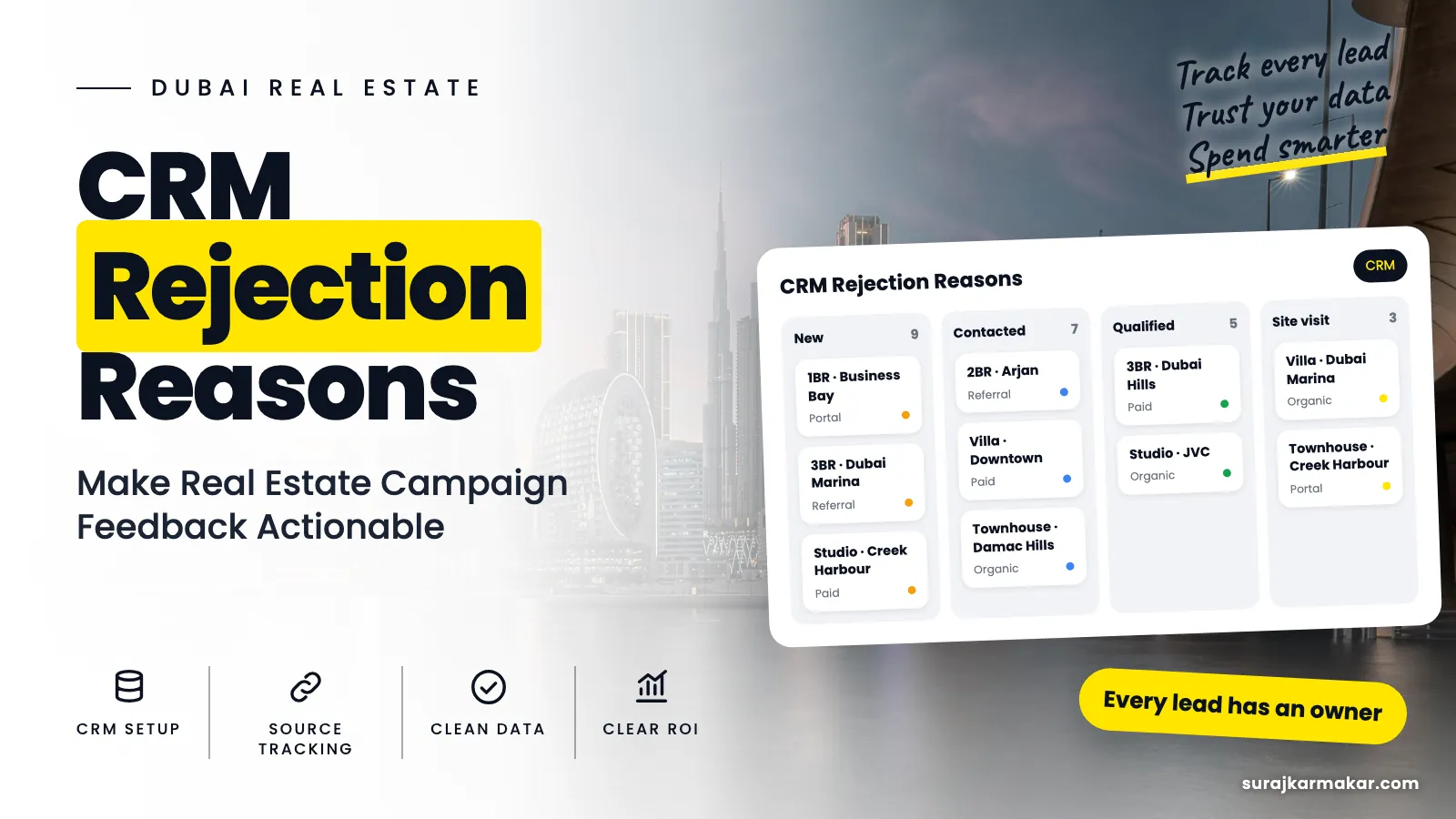
CRM rejection reasons are the most underused data in real estate marketing. Every lead that does not progress carries a reason: wrong budget, wrong area, wrong timing, never reached, did not recall enquiring. If those reasons are recorded clearly, they tell marketing exactly what to fix. If they are recorded as "NI", "junk" or left blank, they tell you nothing. Set a short, clear list, make it required, and review it weekly by campaign.
What vague reasons cost you
A lost lead without a clear reason is a wasted lesson. Marketing cannot see whether budget mismatch or location mismatch is the main problem. Sales managers cannot see whether follow-up or targeting needs work. The same mistakes repeat, campaign after campaign.
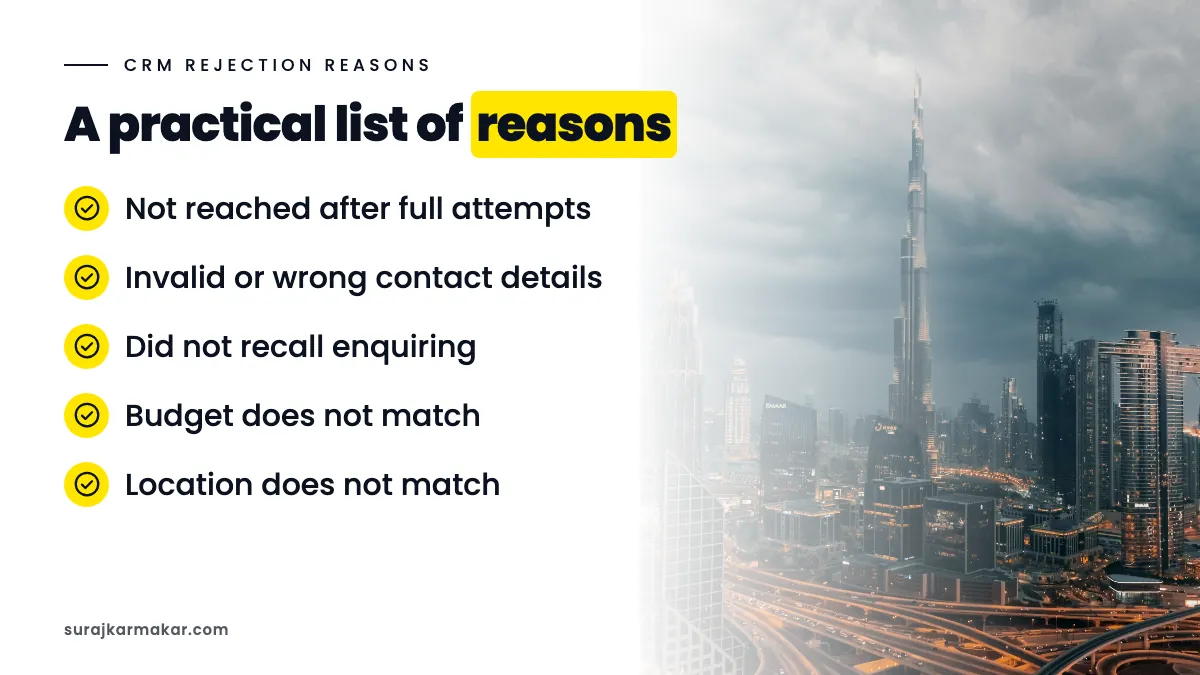
A practical list of reasons
Keep it to around ten:
- Not reached after full attempts.
- Invalid or wrong contact details.
- Did not recall enquiring.
- Budget does not match.
- Location does not match.
- Property type or size does not match.
- Buying later (timeline).
- Looking to rent.
- Already bought or working with another agent.
- Other, with a short note.
Adjust for your business, but keep it short. Every extra option makes it more likely that advisers pick the first one or skip the field.
Separate contact reasons from fit reasons
Reasons 1 to 3 are about contact and intent. Reasons 4 to 9 are about fit and timing. Report them separately. A campaign with many "not reached" leads needs follow-up fixes; one with many "budget" rejections needs message fixes.
Make the reason required
In the CRM, require a reason when a lead is marked lost or not qualified. Use a dropdown. Allow one main reason, optionally a secondary one. Add a short notes field for "Other".
Review by campaign weekly
Each week, show the top reasons by campaign and channel:
- Count and share for each reason.
- Change versus previous weeks.
- Notes from "Other" to see if a new reason is needed.

Turn reasons into actions
- Budget: show starting price per unit type; add a budget question to forms.
- Location: name the community and show a map; tighten keywords.
- Property type: separate creatives and ad groups by unit type.
- Timeline: add a timeline question; nurture later buyers.
- Renting: add rental negatives; state "for sale" clearly.
- Did not recall: use higher intent forms; clarify the ad.
- Not reached: speed up first contact; add WhatsApp; call in the buyer's hours.
- Invalid details: add validation and spam protection.
Keep the list stable
Changing the list often breaks trend reports. Review it quarterly, add a reason only when "Other" notes show a clear pattern, and map old reasons to new ones when you change.
Train and check
Explain each reason to advisers with examples. Spot-check a sample of lost leads monthly to make sure reasons are used correctly. Share the weekly report with sales so they see their input being used. More on aligning teams in sales and marketing alignment in real estate.

Use reasons in conversations with your agency
If an agency runs your ads, share rejection reasons by campaign every week. It is the most useful feedback you can give them. Instead of "the leads are bad", you can say "40% of rejections from this ad set are budget mismatch". A good agency will respond with a specific change, such as adding price to the creative or tightening the audience, and you can measure whether it worked.
Look for reasons that point to the product
Sometimes reasons point beyond marketing. If many qualified buyers say the payment plan is weaker than a competitor's, or that service charges are too high, the issue may be the offer itself. Share these patterns with leadership and the developer. Marketing can improve messaging, but it cannot fix a product that does not match what buyers want.
Report reasons alongside cost
Reasons are most powerful next to spend. A table showing each campaign's spend, leads, qualified leads and top three rejection reasons tells a clear story: where money is going, what it is producing and why leads are failing. Decision makers can see in one view which campaigns need a message fix, which need a follow-up fix and which are working.
Track reasons over time
Plot the share of each main reason by week. When you make a change, such as adding price to an ad, you should see that reason fall in the following weeks. This turns rejection reasons into a measurement tool for every campaign change, not just a record of what went wrong.
Common mistakes
- Free-text reasons.
- Too many options.
- Reasons optional.
- Mixing contact and fit reasons.
- No weekly review.

An illustrative example
Not a client result: a brokerage replaces free-text "remarks" with a required dropdown of ten reasons. Within three weeks, one campaign shows mostly "looking to rent" rejections. Adding rental negatives and "for sale" in the ad headline cuts that reason sharply.
Frequently asked questions
Should a lead have more than one rejection reason?
Allow one main reason for reporting, with an optional secondary one. Too many options per lead make analysis harder.
What if sales refuses to fill in reasons?
Keep the list short, make it quick on mobile, show how reasons lead to better leads, and make the field required for closing.
Next step
Clear reasons turn lost leads into lessons. See my approach to real estate tracking and attribution in Dubai, read about real estate lead feedback, or ask me to set up your rejection reasons.
Explore the wider framework: CRM and tracking for Dubai real estate.
What does this look like in your team?
If your team is working through a similar challenge, get in touch to discuss where a focused review could help.
Discuss your real estate campaign