

Real estate CRM lead stages often mix three different questions into one list: Did we reach the buyer? Do they fit? How far have they progressed? When "No answer", "Not interested", "Budget low" and "Viewing booked" sit in the same dropdown, reports cannot show where buyers actually stall. Separate contact status, fit and sales progress, and your pipeline becomes readable for sales, marketing and management.
The mixed-stage problem
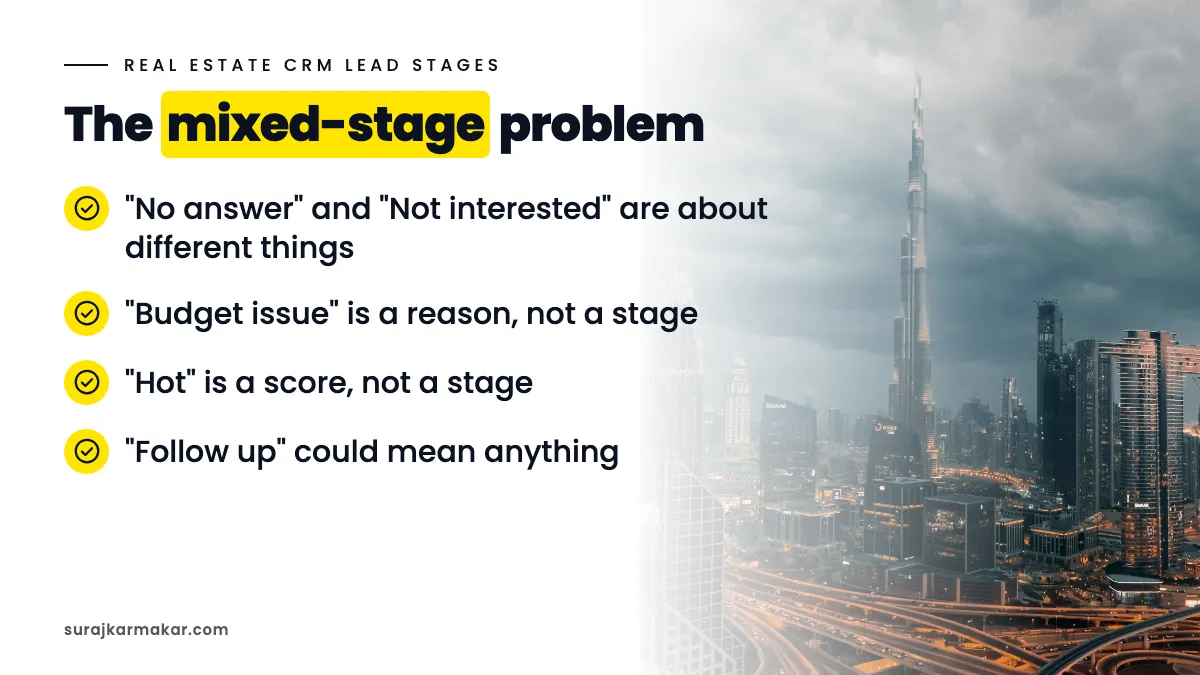
A typical CRM stage list might look like: New, Called, No answer, Interested, Not interested, Budget issue, Follow up, Viewing, Hot, Closed. Problems:
- "No answer" and "Not interested" are about different things.
- "Budget issue" is a reason, not a stage.
- "Hot" is a score, not a stage.
- "Follow up" could mean anything.
Reports built on this list cannot answer basic questions like "what share of leads were reached?" or "where do qualified buyers drop out?"
Separate three dimensions
1. Contact status
- Not yet attempted
- Attempted, not reached
- Reached
2. Fit (qualification)
- Not assessed
- Qualified
- Not qualified (with reason)
- Qualified for later (with timeline)
3. Sales progress
- None
- Viewing booked
- Viewing completed
- Offer or negotiation
- Reservation
- Won
- Lost (with reason)
Each lead has a value in each dimension.
Why this works
Separating dimensions lets you report:
- Contact rate: reached ÷ all leads.
- Qualification rate: qualified ÷ reached.
- Viewing rate: viewings ÷ qualified.
- Win rate: won ÷ viewings.
Each rate points to a different owner and fix. Contact rate belongs to sales operations, qualification rate is shared between marketing and sales, and viewing and win rates belong mainly to sales.
If your CRM supports only one stage field
Many CRMs have a single pipeline. You can still apply the idea:
- Use a pipeline for sales progress.
- Use separate fields for contact status and qualification.
- Use a reason field for rejections.
Define every stage in writing
Write one line per stage:
- "Reached: a two-way conversation happened by call, WhatsApp or email."
- "Qualified: budget, area, property type and timeline fit current or suitable inventory."
- "Viewing completed: the buyer attended a viewing in person or by video."
Share the definitions with all advisers and new joiners.

Use reasons, not stages, for why
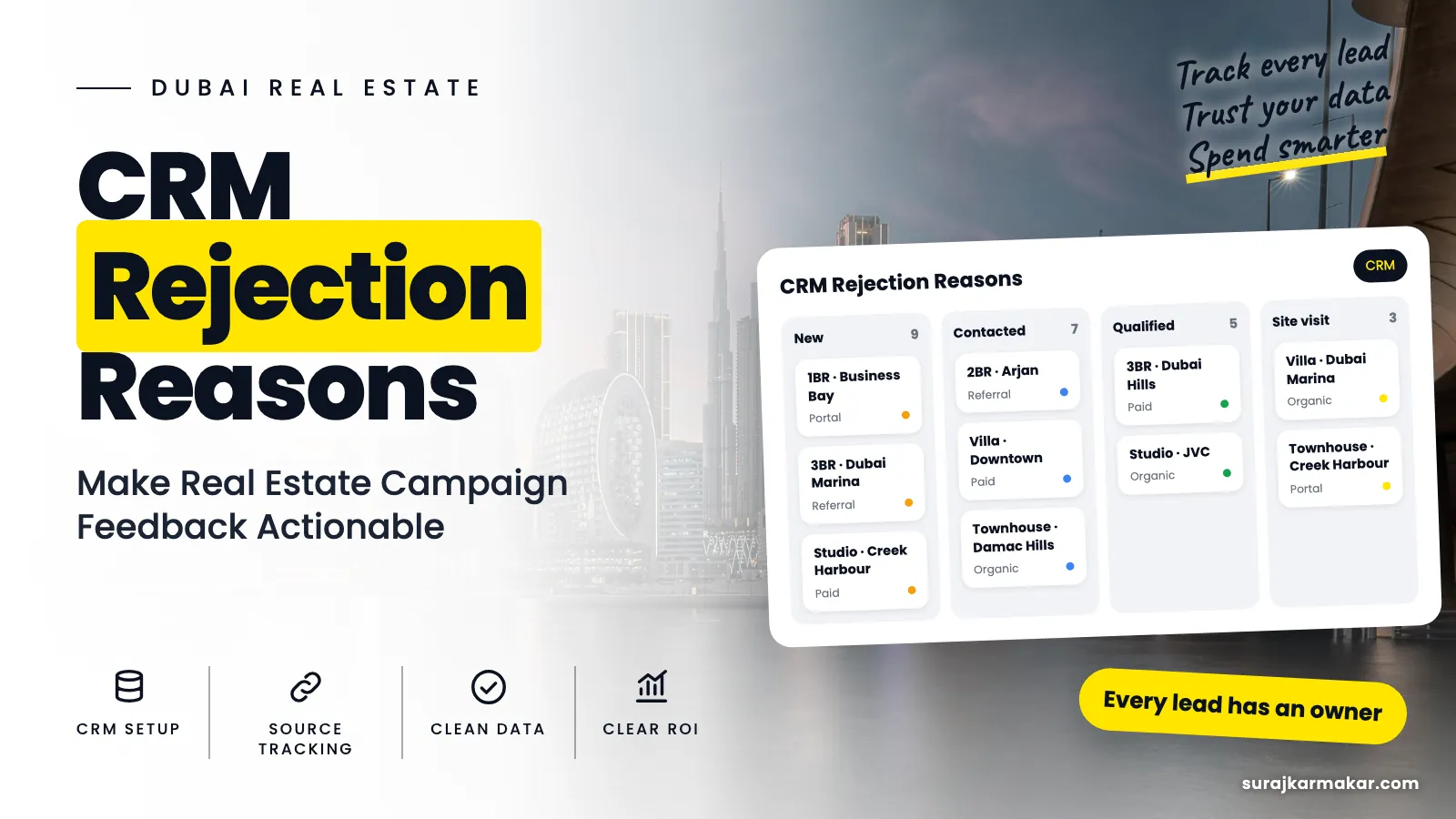
Reasons explain why a lead did not progress: budget, location, property type, timing, did not recall, renting, other. Keep them in a separate dropdown. More in CRM rejection reasons.
Record dates
Record the date each lead enters a stage. This lets you measure speed: time to first contact, time to qualification, time to viewing. Speed often explains conversion differences.
Keep the lists short
Too many stages slow updates and confuse advisers. Aim for three to four contact and fit values and six to eight progress stages.
Introduce the change carefully
Changing stages in a live CRM can confuse a busy team. Plan the switch: map old stages to new ones, update existing leads in a batch, train advisers in a short session, and give them a one-page guide. Expect questions in the first two weeks and answer them quickly. Review data quality after a month to make sure the new stages are used correctly.

Show stage reports to the team
Once stages are clean, share a simple funnel report with sales and marketing every week. Advisers can see their own contact and qualification rates, managers can see where leads stall, and marketing can see how campaigns perform beyond the lead count. When people see their data being used, they keep it accurate.
Use stages to trigger actions
Stages are not just labels; they can drive work. When a lead moves to "Reached, not qualified, later", create a reminder for the timeline date. When a lead moves to "Viewing booked", send a confirmation and reminder automatically. When a lead sits in "Attempted, not reached" for two days, alert the manager. Linking stages to actions keeps leads moving without relying on memory.
Report stage conversion by source
The most useful view for marketing is stage conversion by source and campaign. It shows, for example, that one campaign has strong contact but weak qualification, while another qualifies well but stalls before viewings. Each pattern points to a different fix. Without separated stages, this view is impossible.
Avoid stage inflation
Advisers sometimes move leads forward to look productive: marking a lead "qualified" after a short call, or "viewing booked" before a time is agreed. Clear definitions and occasional spot checks by managers keep stages honest. Inflated stages make the pipeline look healthy while reservations stay flat.
Common stage mistakes
- Mixing contact, fit and progress in one list.
- Scores used as stages.
- Reasons used as stages.
- No definitions.
- No stage dates.

An illustrative example
Not a client result: a developer's CRM uses one mixed list of stages. After splitting into contact status, qualification and sales progress, the team sees that contact rate is strong but qualification is low for one campaign, and that qualified buyers stall between viewing booked and completed. Two targeted fixes follow.
Frequently asked questions
How many stages should a real estate CRM have?
Enough to show real progress without slowing updates: usually six to eight sales progress stages plus separate contact and qualification fields.
Should "nurture" be a stage?
Treat it as a qualification outcome, "qualified for later", with a timeline and next action date, so it does not get lost.
Next step
Clear stages make every report readable. See my approach to real estate tracking and attribution in Dubai, read about real estate CRM tracking, or ask me to redesign your pipeline.
Explore the wider framework: CRM and tracking for Dubai real estate.
What does this look like in your team?
If your team is working through a similar challenge, get in touch to discuss where a focused review could help.
Discuss your real estate campaign