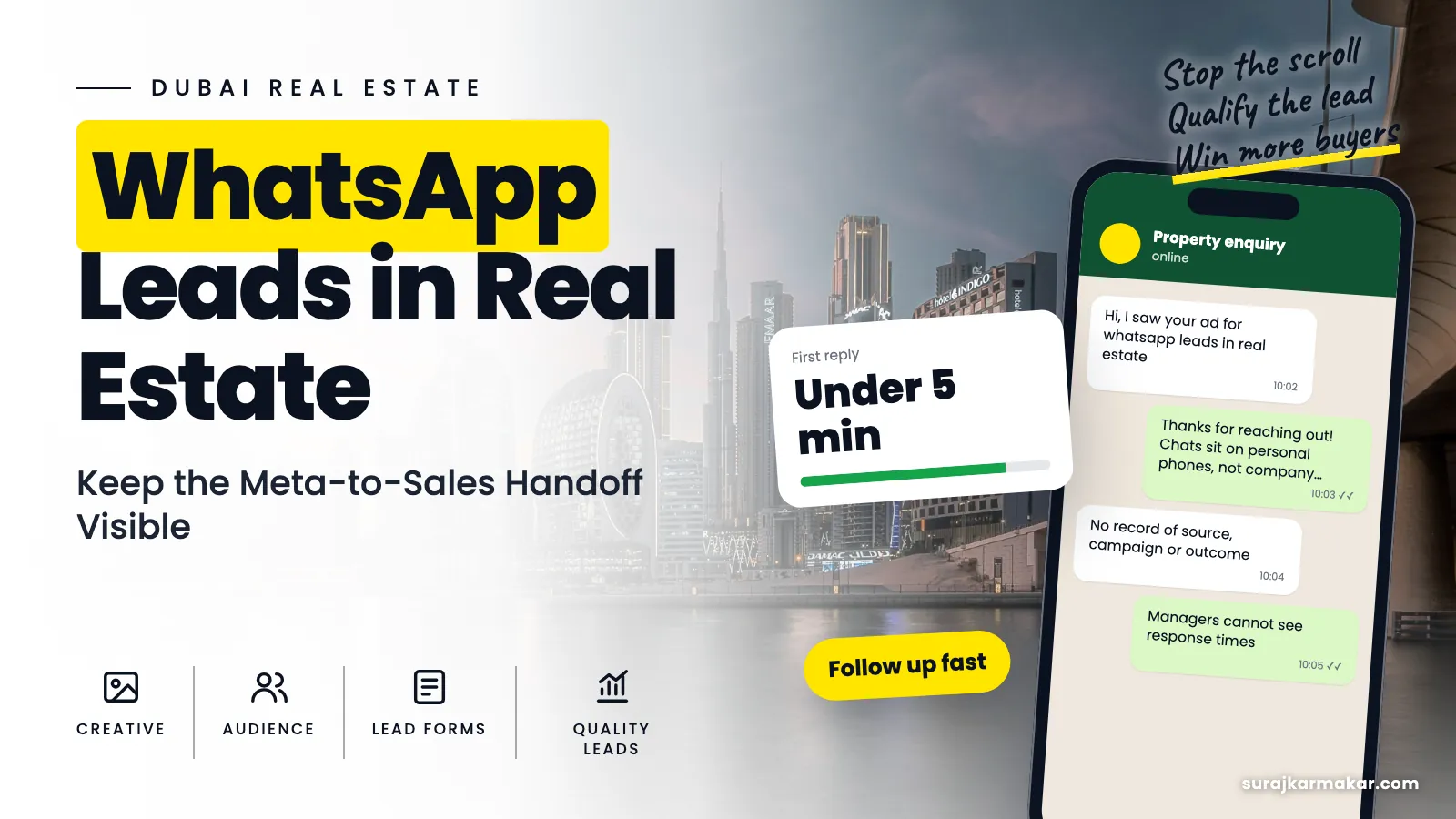


The right Meta ads campaign structure for real estate balances two needs: clean data per project, and enough budget per ad set for Meta's algorithm to learn. Put everything in one campaign and you cannot tell which project produces buyers. Split into dozens of tiny ad sets and none of them learn. For most Dubai developers and brokers with several projects, one campaign per main project or offer, a few well-funded ad sets and clear naming is the practical answer.
The two common failures
Everything in one
One campaign, one ad set, ten projects' creatives. Meta spends on whichever creative gets the cheapest leads, often the lowest-priced project. Expensive projects get almost no budget. Reporting by project is messy. Sales receives leads tagged with the wrong project.
Too fragmented
One campaign per project, each with eight ad sets for different interests, ages and placements. Budgets of a few dirhams per ad set per day. Nothing exits learning. Results jump around. The team keeps making changes, which resets learning again.
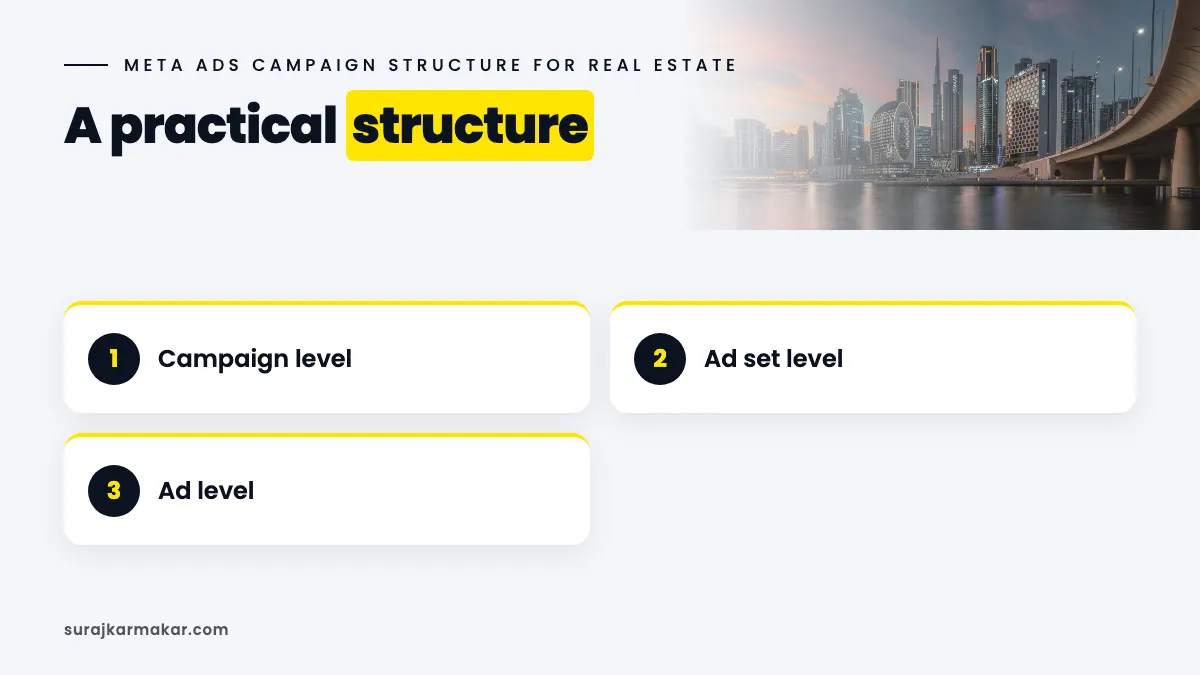
A practical structure
Campaign level
- One campaign per major project or offer, so budget can be controlled per project.
- Optionally, a separate campaign for UAE residents and one for overseas markets, if both matter.
- A separate retargeting campaign, or retargeting ad sets per project.
Ad set level
- Two to four ad sets per campaign, each with enough budget to get regular conversions.
- Broad targeting or a few strong audiences, rather than many narrow interests.
- Location and language settings matched to the market.
Ad level
- Three to six creatives per ad set, each based on a buyer question: price, payment plan, layout, location, developer.
- Rotate new creatives in every few weeks.
When to group projects
Small projects with low budgets can share a campaign if they target similar buyers, for example several ready units in one community. Use separate ad sets or clearly named ads per project, and pass the project name into the lead form or CRM so leads are routed correctly.
Budget allocation
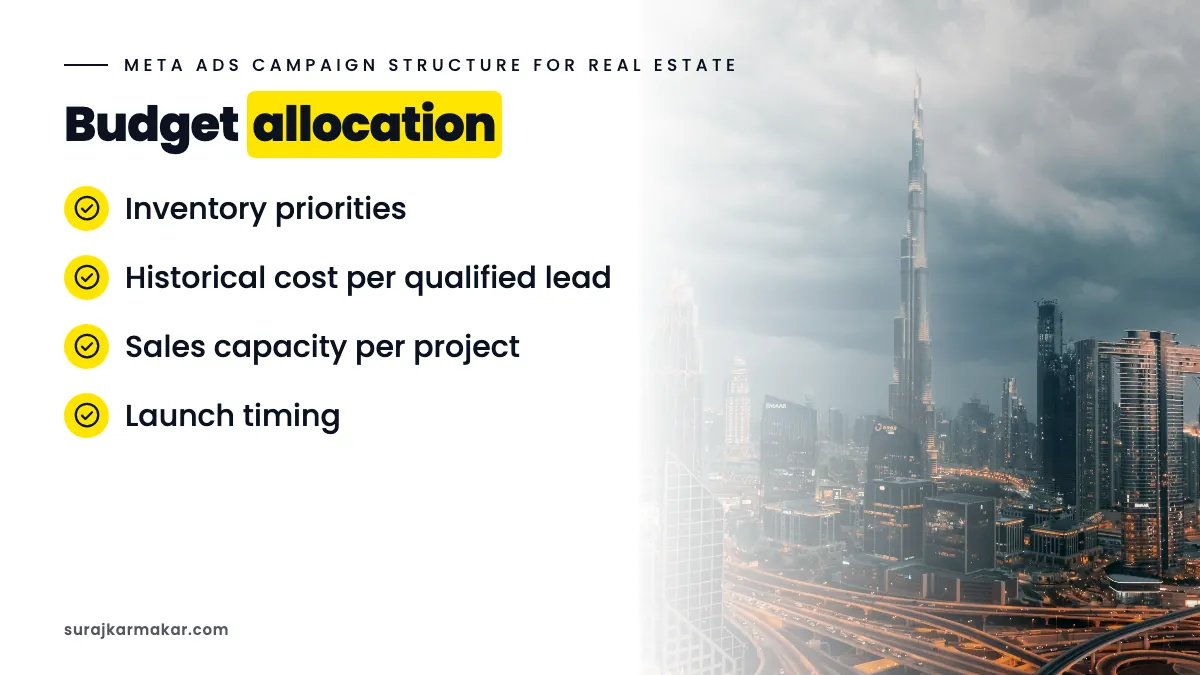
Do not split budget evenly by default. Allocate by:
- Inventory priorities: which projects need sales most?
- Historical cost per qualified lead.
- Sales capacity per project.
- Launch timing.
Campaign budget optimisation can work within a project campaign. Across projects, separate campaign budgets give you more control.
Naming conventions
Use consistent names so reports and CRM data line up:
- Campaign: Project_Market_Objective, for example ProjectX_UAE_Leads.
- Ad set: Audience_Placement.
- Ad: Creative-theme_Format_Version, for example PaymentPlan_Reel_v2.
Pass these names to the CRM via form fields or UTMs. Then you can see which creative themes qualify best, across projects.
Lead forms per project
Each project should have its own lead form, with questions matching its price bands and unit types. A shared generic form causes mismatched budget options and confused leads. Include the project name in the form intro so the buyer knows exactly what they enquired about.
Overseas and UAE campaigns
If you target both UAE residents and overseas buyers, separate them. Their costs, response patterns and questions differ. Overseas campaigns may need different creatives, languages and contact times. Mixing them in one ad set lets Meta spend wherever leads are cheapest, which might be a market your sales team cannot serve well. Separate campaigns give you control and clean comparisons.
Testing inside the structure
Use the structure to test cleanly. Within one project campaign, test creative themes in the same ad set, or use Meta's A/B testing to compare audiences or formats. Keep tests small and focused. Write down what each test is meant to answer, and judge it on cost per qualified lead after a fair follow-up window. A clear structure makes tests easy to read; a messy one makes every test inconclusive.
Signals and optimisation
Send qualified lead events back to Meta per project. If projects have very different buyer profiles, separate campaigns help Meta learn each profile. Mixing a luxury villa project and an affordable studio project in one ad set confuses optimisation.
Reporting by project
Report each project weekly:
- Spend and leads.
- Contact and qualification rate.
- Cost per qualified lead.
- Visits booked.
This helps developers and sales managers see where demand is strong and where messaging or pricing needs attention. It also shows when one project is taking budget without producing visits, which is the signal to change its creative or move money elsewhere.

Common structure mistakes
- All projects in one ad set.
- Many tiny ad sets that never exit learning.
- Generic lead forms for every project.
- Inconsistent names that break reporting.
- Constant edits to live ad sets.
An illustrative example
Not a client result: a broker runs one campaign for five projects. The cheapest project takes most of the budget. After splitting into one campaign per priority project, with project-specific forms, the team can control budget and sees that a higher-priced project actually has the lowest cost per qualified lead.
Frequently asked questions
Should I use Advantage+ campaigns for real estate?
They can work, especially with strong conversion signals. Keep clear project separation and check lead quality, not just cost per lead, before relying on them.
How many ad sets should a real estate campaign have?
Usually two to four, each with enough budget to get regular conversions. Fewer, stronger ad sets often outperform many small ones.
Next step
Clean structure gives clean decisions. See how I run Meta Ads for Dubai real estate, read about Meta Ads performance reviews, or send me your account structure.
Explore the wider framework: Meta Ads for Dubai real estate.
What does this look like in your team?
If your team is working through a similar challenge, get in touch to discuss where a focused review could help.
Discuss your real estate campaign